Notion trading journal vs software: which should you choose in 2026?
Notion is flexible and free to start. Software cuts entry time and stabilizes stats. Here is when to stay on Notion, and when to migrate.

Many traders search for a Notion trading journal because it is free, flexible, and already in their stack. The real question is not "Notion or software?". It is "will your journal still be alive in 30 days?". Here is an honest comparison, with no promise of profit, so you can choose based on volume and process.
What Notion does very well
Structure freedom. Pages, databases, views, home-made tags. If you like designing your system, Notion is a strong place to start.
Rich notes. Mental context, screenshots, session checklists: everything can live in one place.
Low entry cost. A Notion template is enough to test the journaling habit without committing to a subscription.
For a beginner taking 1 to 3 trades a week who first needs to keep a journal, Notion is a fair trial ground. See also how to keep a trading journal and the free template.
Where Notion breaks (often quietly)
Manual entry. Every trade by hand: entry, exit, R, setup, emotion. At 10 trades / day, the journal becomes a second job. Most people quit there, not on the "concept".
Stats that drift. Win rate, expectancy, drawdown: doable with formulas, but fragile. One mistyped column, one forgotten filter, and Sunday review compares apples to oranges.
No native broker sync. No turnkey MT4/MT5, Tradovate, or cTrader import. Everything depends on pasting rows. The gap vs an automated MT4 / MT5 journal is clear.
Multi-account / prop firm. Several challenges, several risk rules: Notion can do it, but friction rises fast (duplicated bases, broken views, permissions).
What journal software actually adds
A good tool is not "more fields". It is less friction on the three moves that matter:
- Import trades (CSV or sync).
- Tag setup / plan followed / off plan.
- Read stable stats (by tag, day, setup) without a spreadsheet.
That is the core filter in the best trading journal software 2026 comparison: if the tool does not cut entry time, it will not survive a busy week.
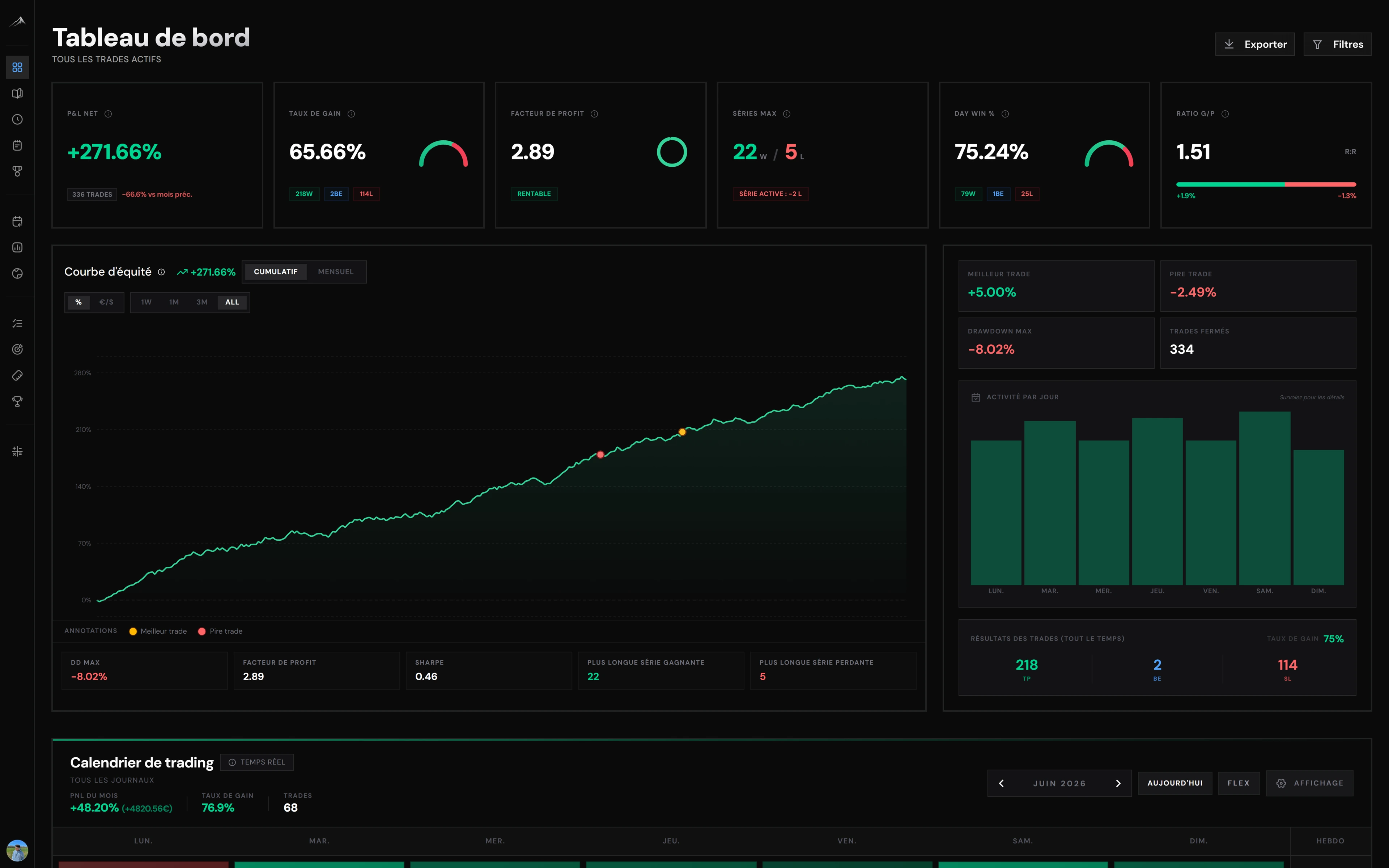
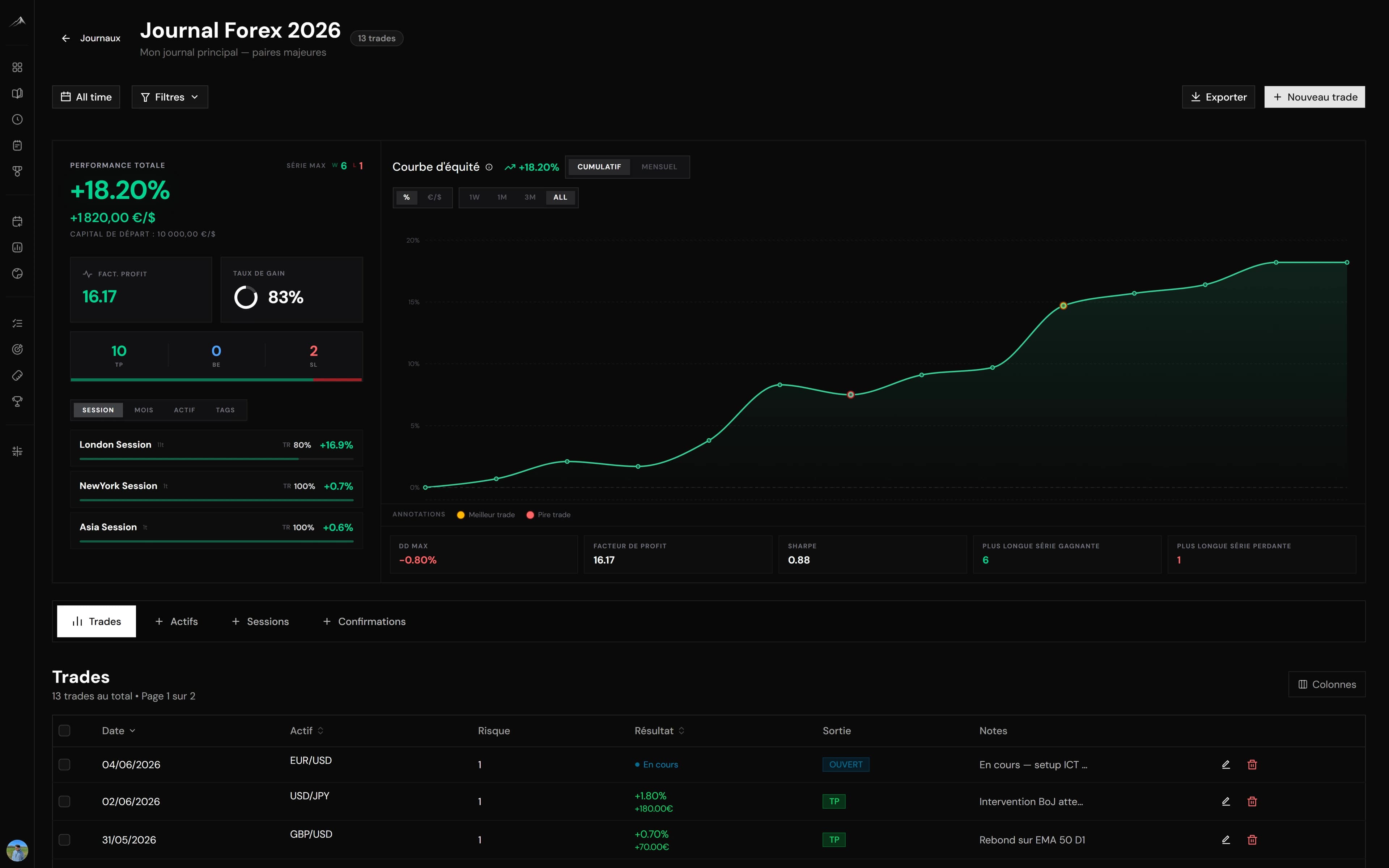
In Altiora, those three moves map to import (MT4/MT5 via import or EA, plus other supported brokers), tags / notes (setup, off plan), and stable filtered stats - plus the risk calculator and prop tracking if you are in a challenge. The goal is not to redesign a Notion base: it is to measure process without retyping.
Automated vs manual is covered here: automated vs manual. Short version: manual teaches early; auto becomes necessary once volume or a challenge rises.
Quick table: when to choose what
Stay on Notion if:
- under ~5 trades / week;
- you mostly want a notebook + checklist;
- you accept full manual entry and building your own formulas.
Move to software if:
- you already import (or want to) from a broker;
- you track a trade ceiling / % off plan (overtrading);
- you run prop firm / multi-accounts;
- the weekly review must be a number, not a feeling.
The "I'll migrate later" trap
Waiting until you "have enough data" is common. The issue: Notion data is often incomplete (missed trades, missing R). Better to migrate early, and keep Notion for narrative notes in parallel for two weeks if needed.
Concretely: export what you have (even incomplete), import one test week into the software, compare tickets and rows, then keep Notion 1-2 weeks for narrative notes only. If the test week matches, stop double entry.
In Altiora, the flow is the opposite of Notion: trades → tags → stats first, then session notes. Less database design, more process measurement.
Try 7 days - card required, no charge if you cancel before day 7
Decision criteria in 5 questions
- How many trades last week, really?
- How much journal entry time per day?
- Can you pull % off-plan trades without Excel?
- Do you have a broker import today?
- If you miss 3 days of entry, is the journal dead?
If 3 of 5 answers point to friction, dedicated software is the rational choice. Not because Notion is "bad": because your bottleneck is no longer flexibility, it is consistency.
Create an account - 7-day trial (7-day trial - card required, no charge if you cancel before day 7). Features: /features.
Frequently asked questions
- Is Notion enough as a trading journal?
- Yes to start at low volume. Once manual entry or stats become the bottleneck, dedicated software holds better.
- When should I move from Notion to software?
- When you pass ~5 trades / week, want broker import, or need stable weekly stats without a spreadsheet.
- Can I keep Notion in parallel?
- Yes for narrative notes. Trades and stats are better in a tool built for import and filters.
- Is Notion free for traders?
- The free plan is often enough for a simple journal. The real cost is entry time and formula maintenance.
About the author
L’équipe Altiora
Altiora editorial team
Altiora's editorial team brings together active traders and the product team. We write about discipline, journaling and performance analysis, grounded in how the platform actually works. We never give investment advice.
Read next

MT4 / MT5 trading journal: import and track MetaTrader trades
If you trade on MetaTrader, your MT4 or MT5 journal should not depend on typing every fill by hand. Here is how to import trades, what usually breaks, and what to demand from a tool.
Best trading journal software in 2026: the full comparison
How to choose trading journal software in 2026: objective criteria, a comparison of the options, and why language and ecosystem matter.
Altiora vs TradeZella: which trading journal should you choose?
An honest comparison of Altiora and TradeZella: features, language, ecosystem and positioning, so you can choose for your profile.